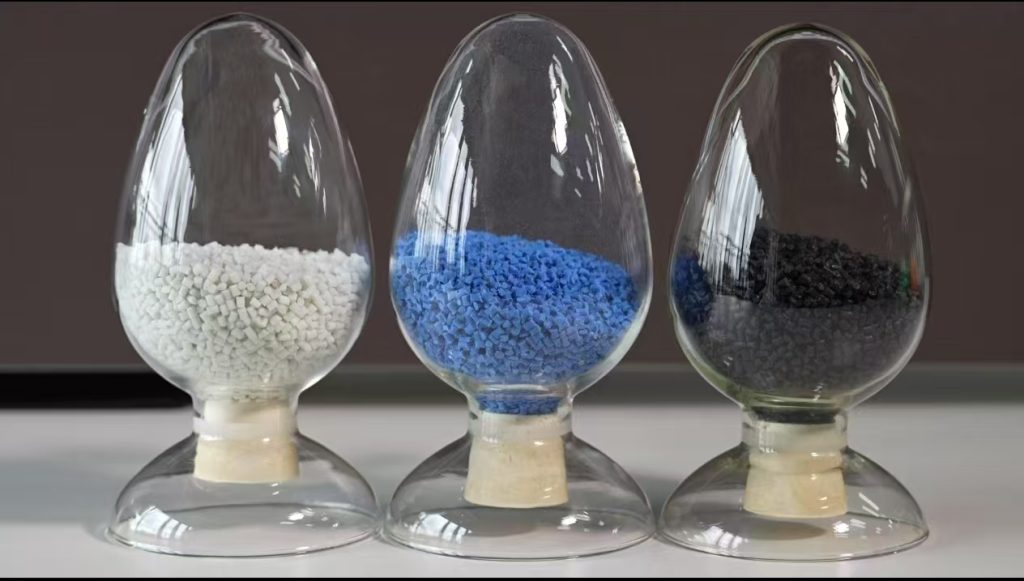
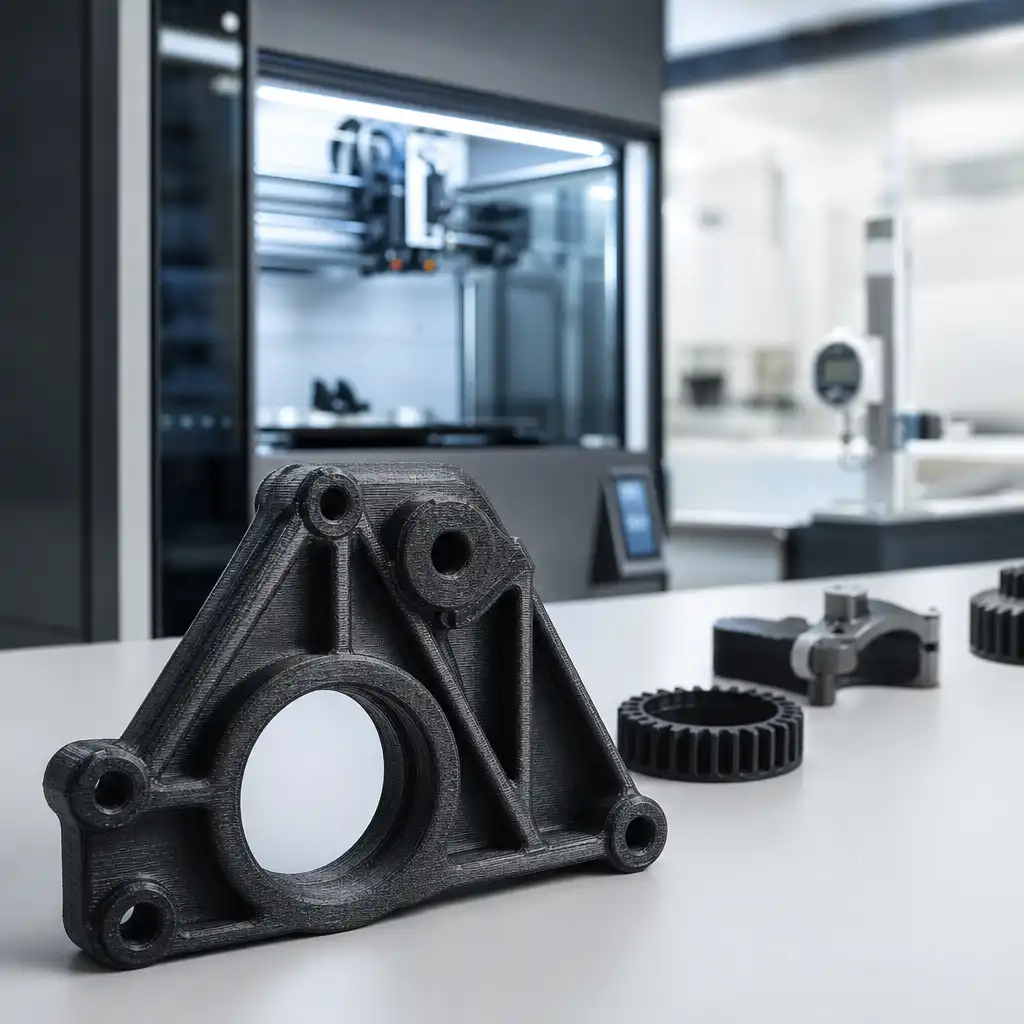
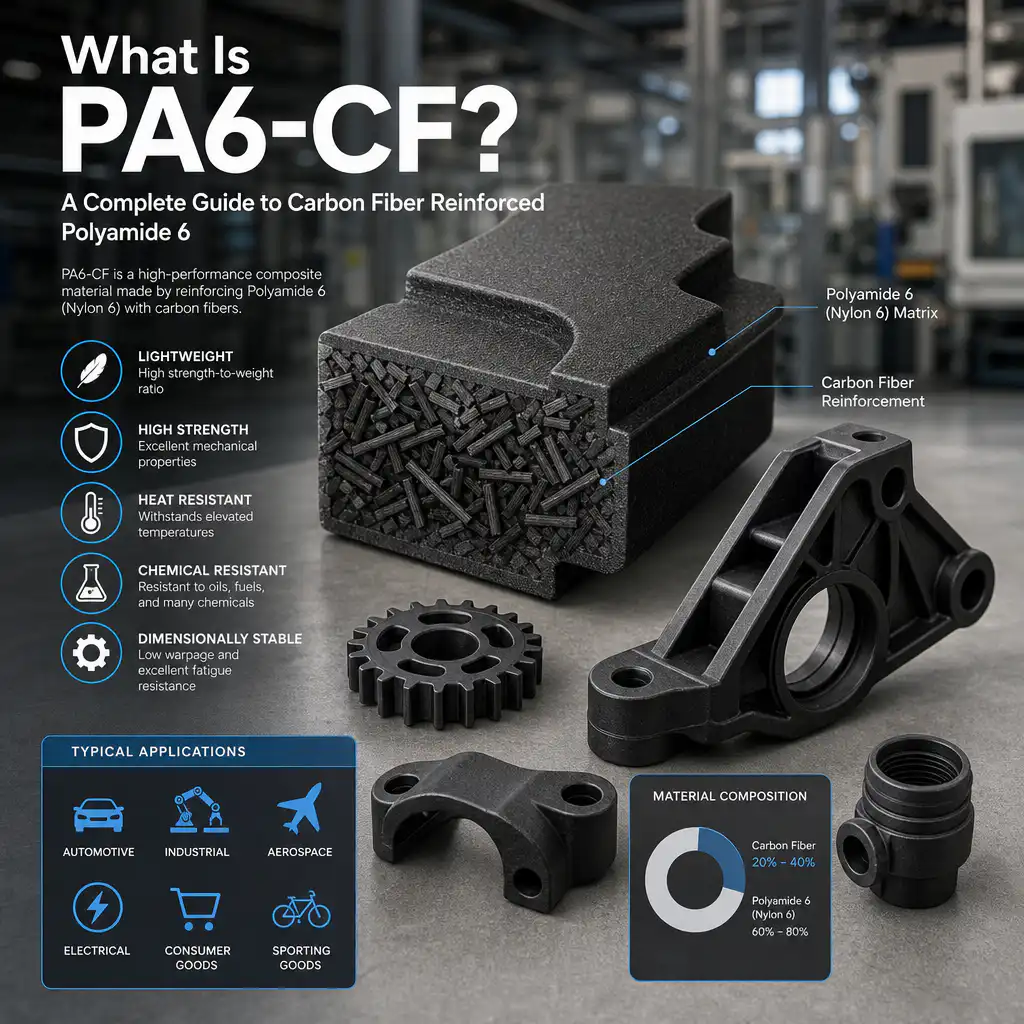
PA6-CF is carbon-fiber-reinforced Nylon 6 used for functional prototypes, jigs, fixtures and selected low-volume parts. It can provide more stiffness and lower thermal movement than unreinforced nylon, but it is still moisture-sensitive and strongly dependent on print direction, fiber alignment, nozzle condition and thermal control. The right settings begin with the exact filament grade and the required part performance, not with a single universal temperature.
For a production decision, define whether the printed part is a prototype representative of an injection-molded material, a permanent low-volume component or a manufacturing fixture. Those uses need different validation: a prototype may prioritize fit and assembly, while a fixture may prioritize stiffness, wear, clamp load and dimensional stability over appearance.
What PA6-CF changes compared with unreinforced nylon
| Design factor | Potential benefit | Risk to control |
|---|---|---|
| Жёсткость | Higher modulus can reduce deflection in brackets, fixtures and arms | Fiber direction makes stiffness and strength anisotropic |
| Thermal movement | Fiber can reduce expansion in the aligned direction | Through-thickness and transverse movement can remain significant |
| Реакция на влажность | Fiber may reduce the relative moisture effect compared with neat PA6 | The nylon matrix still absorbs moisture and changes dimensions |
| Wear | Useful stiffness and surface durability in some functional parts | Carbon fiber is abrasive and can accelerate nozzle wear |
| Отделка поверхности | Functional matte appearance and good stiffness-to-weight ratio | Layer lines, fiber texture and post-machining marks may remain visible |
Carbon fiber does not make every PA6-CF part isotropic or automatically production-equivalent. Review load direction, layer adhesion, wall thickness, infill, contour strategy and the actual conditioning state. For a molded material comparison, the PA6-CF comparison guide can be used alongside a process-specific review.
Drying and storage before printing
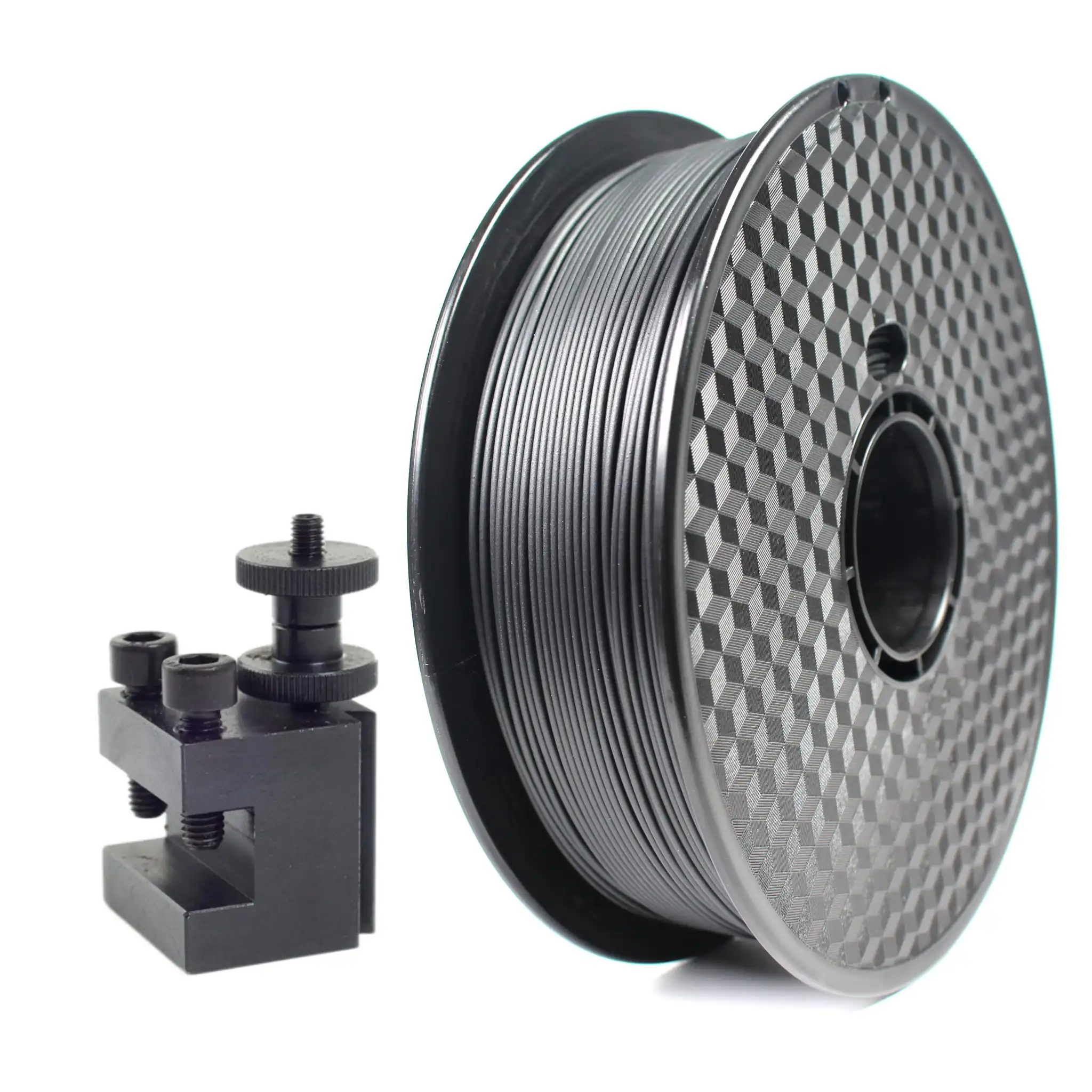
PA6-CF should be dried according to the filament supplier’s instructions and kept dry during printing. Moisture can cause popping, bubbles, rough surfaces, weak layer bonding, inconsistent extrusion and dimensional drift. Use a dryer that can control temperature and airflow, record the drying cycle, and transfer the spool through a dry box or controlled feed path when the print is long.
| Control | Buyer or engineer check | Failure symptom |
|---|---|---|
| Filament condition | Confirm sealed packaging, storage history and moisture limit | Inconsistent extrusion or surface bubbles |
| Drying cycle | Follow the grade’s temperature and time; do not assume all PA6-CF is identical | Weak layers, splay or unstable dimensions |
| Dry feed path | Keep the spool and tube protected during the build | Quality deteriorates during long prints |
| Post-print conditioning | Define whether approval is dry, conditioned or application-equilibrated | Fit changes after the part leaves the printer |
PA6-CF print settings: what to tune
Use the filament supplier’s starting window, then tune a small test coupon or representative feature. Nozzle temperature affects melt flow and layer bonding; bed temperature and chamber control affect warpage; speed and cooling affect surface quality and interlayer strength. A hardened nozzle is normally appropriate because carbon fiber is abrasive. Check nozzle diameter after a defined amount of filament, especially when a critical hole or wall thickness must remain stable.
- Use a nozzle and hot end capable of the grade’s temperature range.
- Start with a heated bed and controlled chamber or enclosure where the printer supports it.
- Use a brim, raft or suitable build-plate surface when the part has a large footprint.
- Orient continuous walls and contours so the main load is carried in the strongest direction.
- Reduce aggressive cooling and avoid drafts that create layer-to-layer temperature differences.
- Use moderate speed until flow, pressure advance, retraction and surface quality are stable.
- Validate holes, threads and mating surfaces after any nozzle or layer-height change.
Design for PA6-CF printed parts
Design around anisotropy rather than treating the material as injection-molded nylon. Add adequate wall thickness, radii, fillets and gussets. Avoid placing a critical thread or snap-fit across a weak layer interface. Use heat-set inserts or captured hardware when repeated torque would damage printed threads. For holes, allow for elephant foot, bridging, stair stepping and local cooling; finish-machine critical bores when the application requires controlled fit.
For fixtures, define clamp load, contact pressure, wear surface and replacement criteria. For moving parts, assess friction, fiber exposure and the effect of moisture on clearances. For sealed parts, inspect layer interfaces and consider machining or a secondary sealing surface. A printed PA6-CF part can be an excellent production aid, but the drawing should identify which surfaces are printed and which are post-machined.
Annealing, conditioning and inspection
Annealing may change stress and thermal history, while conditioning changes the moisture state of the Nylon 6 matrix. They are not interchangeable. If the part will be assembled in a humid environment, inspect it after the defined conditioning period. Measure the same datums before and after treatment, and record temperature, humidity, fixture support and time between treatment and inspection.
| Validation item | Why it matters | Suggested evidence |
|---|---|---|
| Размерная подгонка | Moisture, layer direction and thermal history can move holes and mating faces | Drawing-based inspection in the approved material condition |
| Mechanical load | Strength varies with orientation, wall count and layer adhesion | Representative coupons or functional load test |
| Heat exposure | Short-term heat performance is not the same as long-term stability | Thermal cycle with post-exposure fit and function check |
| Surface and wear | Fiber texture and abrasion can affect sliding or sealing interfaces | Contact inspection, cycle test and wear measurement |
RFQ checklist for PA6-CF printing
Provide the CAD model, drawing, filament grade, fiber content if known, printer or process preference, quantity, target properties, service temperature, humidity, load direction, critical features, surface finish and required inspection condition. State whether the part is a prototype, fixture or production component. Ask the supplier to identify drying, chamber, nozzle, orientation, post-machining and validation assumptions.
Prototype versus production decision
PA6-CF printing is attractive when the team needs a functional part before a mold or machined production route is ready. It can validate envelope, assembly, cable routing, tool access and basic load behavior quickly. It should not be treated as a direct substitute for an injection-molded PA6-CF, PA66-CF or PPA-CF part without comparing fiber orientation, voids, moisture state, surface finish, fatigue and dimensional change.
For a bridge or low-volume program, define which characteristics are allowed to differ from the eventual production part. A printed fixture may be approved on stiffness and repeatability, while a cosmetic housing may require a different surface route. If CNC finishing is planned, add stock allowances and a datum strategy to the model. If injection molding will follow, use the printed part to validate assembly and function while maintaining a separate material and mold DFM review.
Keep a controlled record of spool lot, drying cycle, printer, nozzle condition, build orientation, layer height, infill, post-processing and inspection state. This information makes a repeat build possible and helps the buyer decide whether a variation is caused by material, machine, setup or design.
When the part is safety-relevant or carries a sustained load, retain a sample from the approved build and record the actual print parameters with the inspection report. A repeatable PA6-CF process is easier to approve when the buyer can link the printed geometry, material condition and test result to one controlled build record.
Document the approved orientation with the CAD revision. Changing the build direction can change strength, support marks, hole shape, thermal movement and the amount of post-machining required even when the nominal material and printer remain unchanged.
For a buyer comparing suppliers, request a sample build and the process record rather than a material datasheet alone. The sample should include at least one wall, hole, overhang and functional interface from the real design.
If the program may move from printed prototypes to molded production, compare the PA6-CF30 pellet route и nylon injection molding requirements before treating a printed coupon as material approval. For projects that remain additive, review the available 3D printing processes against quantity, tolerance, finish, and inspection needs.
PA6-CF Decisions That Change the Printed-Part Result
- The filament is dried once but then exposed to humid air during loading, so the print starts with an unverified moisture condition.
- A hardened nozzle is selected but the buyer does not check abrasion, fiber orientation, layer adhesion, or surface-finish expectations.
- Carbon fiber is expected to increase strength equally in every direction even though the matrix, layer path, fiber alignment, and joint design control the result.
- The buyer validates a PA6-CF prototype without deciding whether the next route is PA-CF30 injection molding, CNC machining, or another process.
Как нейлоновый пластик способствует реализации проекта
Nylon Plastic can review PA6-CF printing alongside modified PA compounds such as PA-CF30, PA-GF20, and unfilled PA. The practical goal is to separate filament-processing variables from material-selection and production-route decisions.
- Review the drawing, material, quantity, critical features, and service environment before quotation.
- Connect samples, dimensional reports, material documents, traceability, and acceptance criteria to the same revision.
- Use custom compounding, injection molding, CNC machining, or 3D printing when the application requires a different route.
Related Reading
- Nylon 3D Printing Service
- Услуги по 3D-печати из пластика
- 3D Printing Tolerances
- Carbon Fiber Nylon Parts
Часто задаваемые вопросы
Does PA6-CF need drying before 3D printing?
Yes. PA6 is hygroscopic, and absorbed moisture can reduce layer quality, cause bubbling or stringing, and change strength. Follow the filament supplier’s drying and storage specification and control exposure during loading.
Is PA6-CF stronger in every direction?
No. Printed strength depends on layer adhesion, raster or path direction, fiber alignment, wall thickness, temperature, moisture, and joint geometry. Validate the actual load direction rather than relying on one datasheet value.
When should PA6-CF be replaced by PA-CF30 injection molding?
Consider PA-CF30 molding when the design is stable, volume supports tooling, repeatability matters, and the part needs molded production economics or a different fiber-orientation profile.
What should be included in a PA6-CF print RFQ?
Send the CAD and drawing, quantity, filament or resin target, nozzle and process constraints, critical dimensions, load direction, temperature, finish, inspection condition, and future production plan.
Request a PA6-CF Material and Process Review
Send the CAD, drawing, quantity, load case, temperature, critical fit, and production plan for a PA6-CF printing or modified nylon comparison.