PLA filament is widely considered the most beginner-friendly 3D printing material, yet even experienced users encounter print failures. Stringing, warping, under-extrusion, and layer separation can turn a promising print into wasted filament and frustration. This comprehensive troubleshooting guide covers the root causes and proven solutions for the most common PLA and PLA+ problems.
PLA Stringing and Oozing
Stringing appears as thin plastic threads between printed features. It occurs when molten filament drips from the nozzle during travel moves. The primary causes and fixes:
| Symptom | Вероятная причина | Решение |
|---|---|---|
| Fine hairs between parts | Retraction too short | Increase retraction distance by 0.5-1mm increments |
| Thick blobs on travel paths | Nozzle temperature too high | Reduce temperature by 5°C increments |
| Stringing only on first layers | Z-hop disabled or too low | Enable Z-hop at 0.2-0.4mm |
| Stringing with PLA+ only | Additive package increases flow | Increase retraction by 1-2mm and retraction speed by 5-10mm/s |
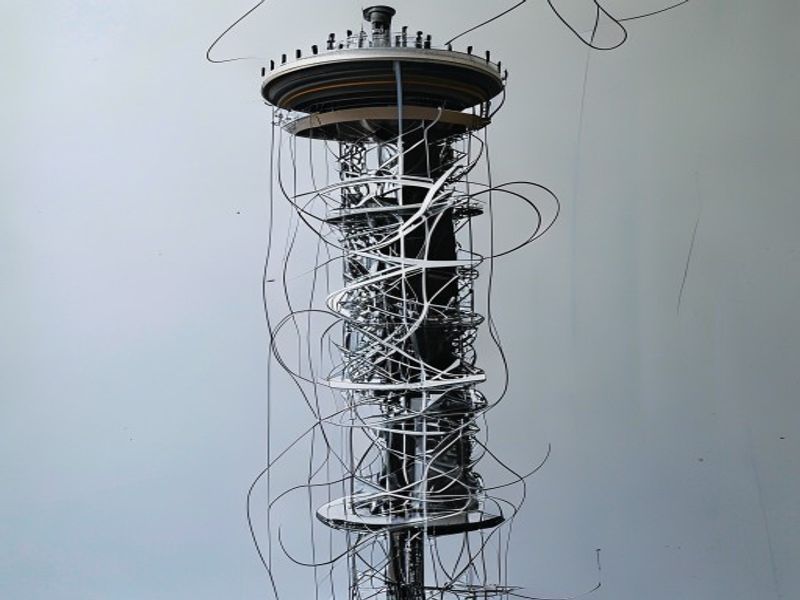
Print a retraction tower to dial in optimal settings. For PLA+, which often has higher melt flow, retraction distance typically needs to be 1-2mm longer than for standard PLA to prevent oozing during travel moves.
PLA Warping and Bed Adhesion
Warping in PLA is less severe than ABS but still occurs, especially on larger parts or thin-walled prints. The plastic cools and contracts, pulling the corners upward.
Solutions ranked by effectiveness:
- Clean the build surface — Wash with dish soap and warm water. Finger oils, dust, and old adhesive residue prevent proper adhesion
- Use a brim — A 5-10mm brim anchors the perimeter and prevents corner lift on parts with small contact areas
- Reduce first-layer print speed — Slow down to 20-30mm/s for the first layer to ensure proper squish and adhesion
- Increase bed temperature — PLA adheres best at 55-65°C. Going below 50°C significantly increases warping risk
- Use an enclosure — Even a cardboard box reduces drafts that cause uneven cooling and warping
PLA Under-Extrusion and Clogging
Under-extrusion manifests as gaps in walls, incomplete infill, or layers that do not bond. The PLA-specific causes:
- Влажность в нити — The most common cause. Wet PLA creates steam bubbles in the nozzle, causing inconsistent extrusion. Dry at 45-50°C for 4-6 hours before ruling out other causes
- Partial nozzle clog — PLA degrades into burned carbon at temperatures above 240°C. If you ran a temperature tower too hot, clean the nozzle with a cold pull
- Heat creep — The hot end heats the cold end, softening filament before the drive gear. Usually caused by insufficient cooling fan or printing too slowly with a high-temperature hot end
- Extruder skipping — The drive gear slips on the filament. Increase idler tension or reduce print speed
PLA Layer Separation
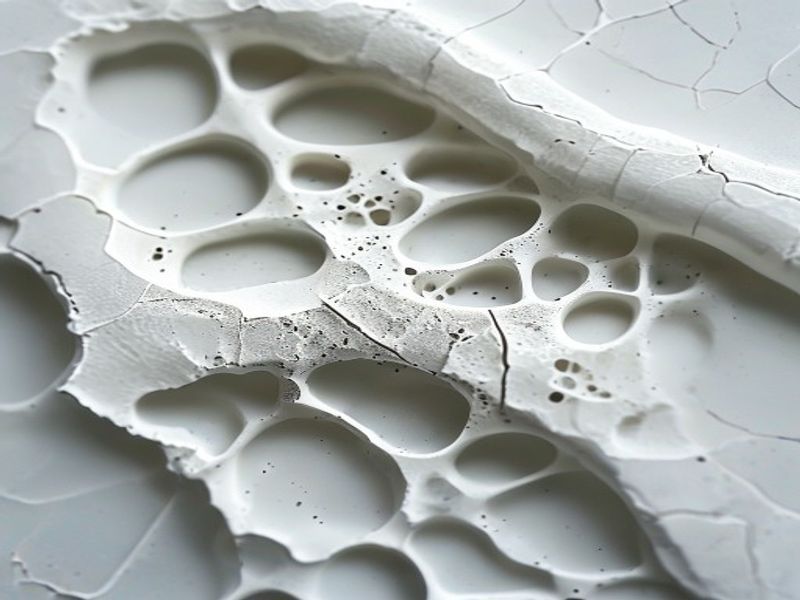
Layer separation — where printed layers peel apart — is almost always a temperature problem. PLA requires sufficient heat to bond layers together. If the nozzle is too cool, or the part cools too quickly, layer adhesion fails.
Fixes for layer separation:
- Increase nozzle temperature by 5-15°C (within PLA limits of 190-230°C)
- Reduce part cooling fan speed to 50-70% for PLA (100% cooling can cause poor layer bonding)
- Use an enclosure to maintain ambient temperature around the print
- Print thicker layers (0.25-0.3mm) which retain heat better than thin layers
- Ensure the filament is dry — wet filament produces weak layer adhesion even at correct temperatures
PLA Storage and Moisture Management
PLA is hygroscopic and will absorb moisture from the air over time. Symptoms of moist PLA include:
- Popping or crackling sounds during extrusion
- Rough, bubbly surface finish
- Significantly reduced tensile strength (up to 30% loss)
- Inconsistent diameter as moisture creates internal bubbles
Prevention is cheaper than fixing. Store PLA in airtight containers with color-changing desiccant. When the desiccant turns pink, bake it in an oven at 120°C for 2 hours to regenerate. For long-term storage (3+ months), vacuum-seal with a desiccant packet.
Почему стоит выбрать нейлоновый пластик для 3D-печати и инженерных целей
Обладая более чем 10-летним опытом работы в сфере инженерных пластиков, компания Nylon Plastic поставляет высококачественные материалы клиентам B2B по всему миру. Наш ассортимент включает нейлон (PA6, PA66, PA12), POM, PEEK, а также нити для 3D-печати, в том числе PLA, PLA+ и PETG. Перед отправкой каждая партия проходит проверку на допуск по диаметру (±0,03 мм), содержание влаги и механические свойства.
- Производственные мощности, сертифицированные по стандарту ISO 9001
- Оптовые поставки по выгодным ценам для бизнеса (B2B)
- Техническая поддержка по выбору материалов и параметрам печати
- Быстрая доставка по всему миру с нескольких складов
- Возможна разработка индивидуальных рецептур материалов для проектов OEM
ЧАСТО ЗАДАВАЕМЫЕ ВОПРОСЫ
When is PLA Filament Troubleshooting: Common Problems and Solutions a good option?
PLA Filament Troubleshooting: Common Problems and Solutions is a good option when fast iteration, complex geometry, low tooling cost, or low-volume production is more important than molded-part unit cost.
What should be checked before choosing PLA Filament Troubleshooting: Common Problems and Solutions?
Проверьте размер детали, свойства материала, качество обработки поверхности, допуск на размеры, тепловое воздействие, направление нагрузки и необходимость последующей обработки.
How does PLA Filament Troubleshooting: Common Problems and Solutions compare with CNC machining?
3D-печать позволяет быстро создавать сложные формы, в то время как обработка на станках с ЧПУ часто более эффективна для получения точных поверхностей, более жестких допусков и материалов производственного класса.
What affects the cost of PLA Filament Troubleshooting: Common Problems and Solutions?
Стоимость зависит от материала, объема сборки, времени печати, высоты слоя, удаления поддержки, финишной обработки, контроля и количества деталей в сборке.

